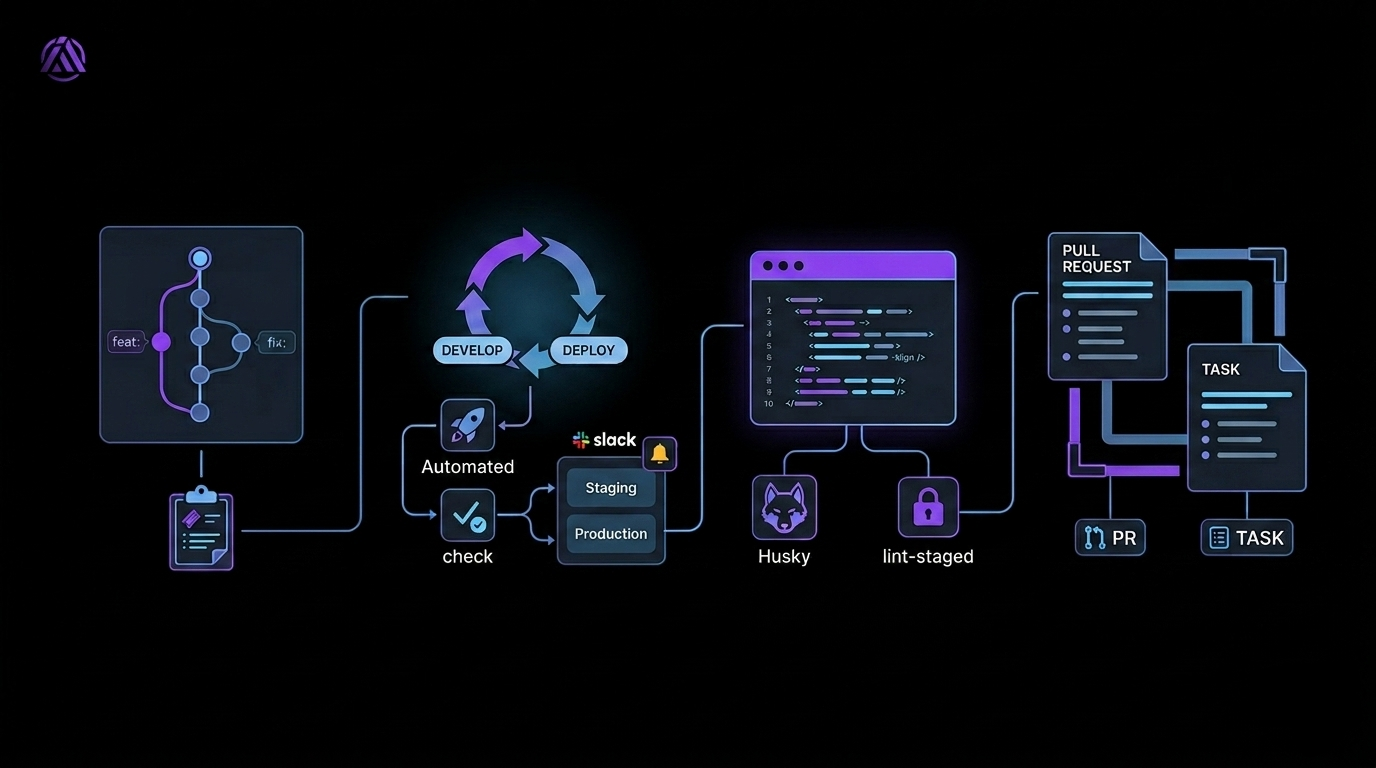
In this article, I'll show you how to save a significant amount of work on a software project. We'll focus on practices that can be implemented independently of the actual coding - practices that have a real impact on team efficiency.
Version Control
Using a version control system (e.g., Git) is the absolute foundation of every project. It offers many benefits, the most important being:
- Change history tracking - you know exactly who changed what. With proper commit message standards, you can also easily determine why a given change was introduced.
- Better work organization - including ticket numbers in commit messages lets you quickly link changes to specific requirements or issues.
- Standardized communication - it's worth adopting the Conventional Commits convention (e.g., feat:, fix:), which greatly simplifies changelog generation and improves the readability of project history.
CI/CD (Continuous Integration / Continuous Deployment)
If you're not using CI/CD, you're probably wasting time on manual processes that can easily be automated. The biggest advantage of CI/CD is deployment automation.
Example workflow:
- Create two main branches: develop (development) and deploy (production).
- Configure a CI pipeline that automatically deploys the application:
- to a staging environment (e.g., on push to develop),
- to production (e.g., on merge to deploy).
- In addition to triggering the pipeline on merge, you can also run it manually.
- Add notifications (e.g., on Slack) to keep the team informed about build status.
- It's also worth running unit tests before deployment to increase deployment safety.
Code Formatting
Although it may seem like a minor detail, using formatters significantly improves code readability and consistency. This helps not only humans but also tools (e.g., IDEs), which can struggle to analyze poorly formatted code.
Pre-commit Hooks
Tools like Husky and lint-staged let you automate processes even before a commit is made. For example, you can enforce code formatting or run linting, eliminating errors at a very early stage.
Pull Request and Task Templates
Standardizing documentation greatly improves team communication. Clear and consistent templates make it easier to understand context and speed up reviews.
Here's an example task template we use:
Summary
- A brief description of the problem
Acceptance Criteria
- Criteria that must be met
Access Points
- Locations in the application (e.g., URL, API endpoint, component)
Technical Notes
- Technical dependencies, API changes, potential blockers
Design/UX References
- Links to designs, screenshots, style references
Implementing the practices above doesn't require a major time investment, but it can significantly boost your team's efficiency. Well-organized processes, automation, and standardization often determine the pace of project development - not just the code itself.
The sooner you take care of these fundamentals, the less chaos you'll have to clean up later. In the long run, it's one of the most rewarding investments you can make in any software project.